One diary for everyone
Employees and subcontractors sit on the same diary, so you can see who is where this week and who has room for the next job.
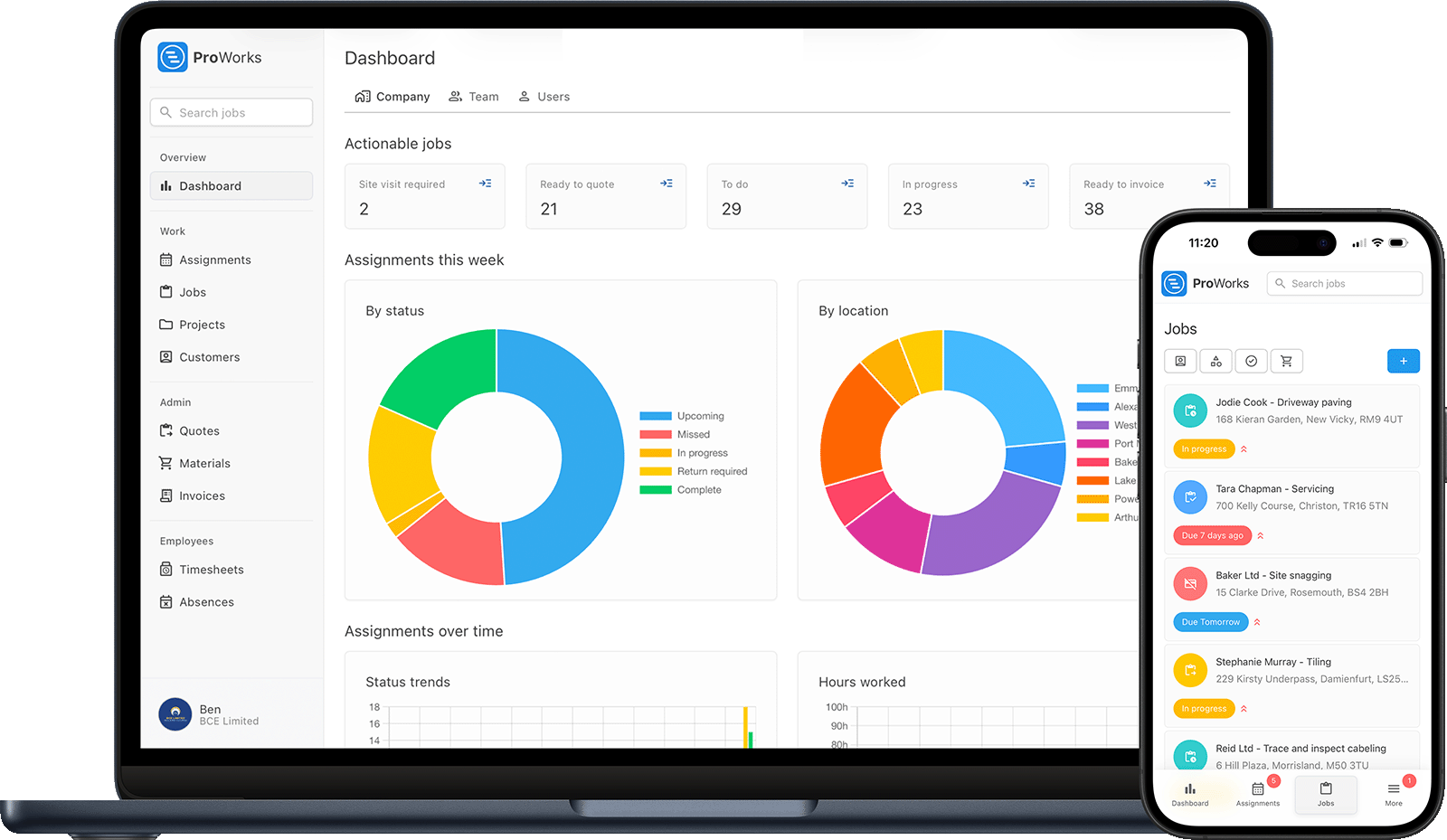
Every step hangs off the job, so nothing is typed in twice and nothing gets lost between the office and the van.
Put an enquiry form on your own website or share a link to it. Website enquiries land in one inbox with the ones you take by phone, and Create job matches the customer or adds a new one.
Price labour from your saved rates, with materials markup and VAT worked out. The customer accepts it in their portal, and you can see when they opened it.
Drag the job onto the diary and assign it to an engineer or a subcontractor. Drag it again to move the day or hand it to someone else.
Engineers see the jobs assigned to them, log their hours against the job and complete the service record on site. Upload a supplier invoice and ProWorks reads the materials off it.
Labour and materials come across from the job, with your markup and VAT applied and any CIS deduction worked out. Send it to the customer's portal as a branded PDF.
Each job shows what it cost, what you charged and what it made per hour. Overdue invoices are marked, so you know who still owes you.
The parts of ProWorks that matter most once more than one person is out on jobs.
Employees and subcontractors sit on the same diary, so you can see who is where this week and who has room for the next job.
Invite a subbie and assign them work. They log their own hours against the jobs you give them, see nothing else, and their time lands on your invoice.
Labour and materials cost build up as the work is done. Once it is invoiced, the job shows its profit and what it made per hour.
Keep the boilers, consumer units and fire alarms you look after on record at each property, with service schedules, reminders and a history of every visit.
Customers accept quotes and download invoices themselves, at no extra cost per customer.
CIS deductions and the domestic reverse charge are applied on the invoice, and your accountant gets their own login to see invoices, material costs and timesheets.
Every feature is in every account. There is no setup fee and no contract, and you add or remove people whenever you like.
£25/month
£20/month
£15/month
£10/month
£5/month
plus 50p per day assigned
Try it free for 30 days, no card needed. See full pricing.
Field service management software runs the work your team does at customers' properties, from the first enquiry to the paid invoice. It covers taking enquiries, quoting, scheduling and assigning jobs, recording the hours and materials that go into them, servicing the equipment you look after, and invoicing. In ProWorks all of that hangs off the job, so each step picks up where the last one left off.
Yes. ProWorks is built for UK trade businesses from a sole trader up to a team of engineers and subcontractors. You pay per login, so a business with two engineers pays for two engineers, and you add people as you take them on.
ProWorks starts at £25 a month for your Administrator login. Team members are £15 to £20 a month depending on their role, an accounting login is £10 a month and a subcontractor is £5 a month plus 50p per day assigned. Every feature is included, there is no setup fee or contract, and the first 30 days are free with no card needed.
Yes. Invite a subcontractor and assign them jobs on the same diary as your employees. They log their own hours against the jobs you give them and see nothing else, and their time comes through to your invoice.
Yes. ProWorks gives you an enquiry form to add to your own website, or a link to share on Facebook, Google or in your email signature. Enquiries arrive in your Enquiries inbox alongside the ones you add from phone calls and emails, and you turn one into a job in a click.
Yes. ProWorks records your CIS status and which customers are CIS contractors, and applies the CIS deduction and the domestic reverse charge on invoices where they apply. It is not tax-filing software and does not submit returns to HMRC; your accountant or accounting software does that.
Try ProWorks free for 30 days. No card required, no contract, and you can add your team as you go.