Quotes & Saved Rates
Price the panel, the detectors and the emergency lighting from your saved rates with your markup on top. Send the branded PDF, and once it is in, the certificate is filed against that same job.
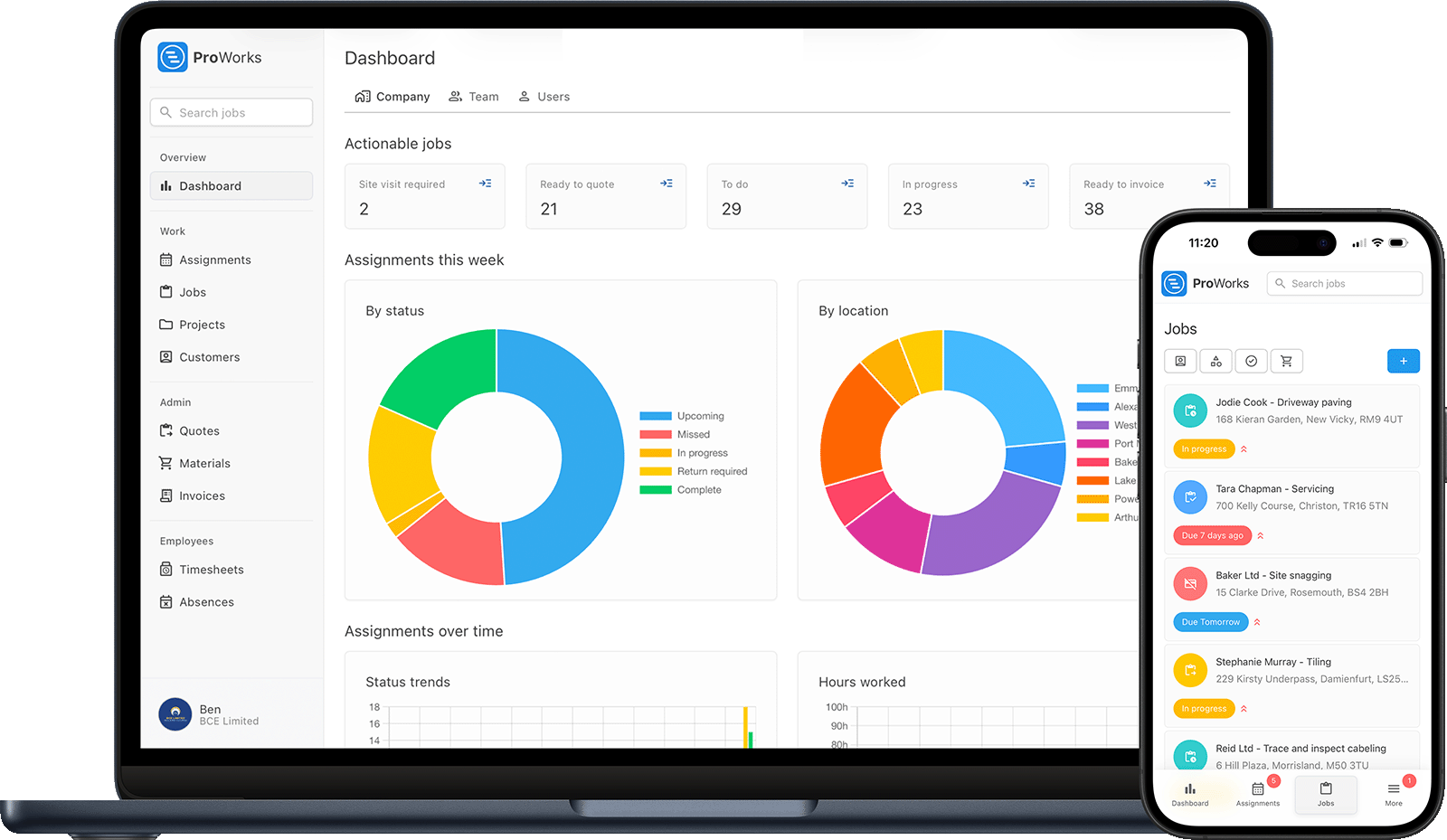
Every fire alarm, extinguisher and emergency lighting business faces these challenges. ProWorks solves them all.
Alarm services every six months, extinguishers annually, emergency lighting on its own cycle - miss a due date and you lose the contract. Set a service schedule per asset and ProWorks tracks what is due, upcoming and overdue, so you can send the customer a reminder when a service falls due. When they accept in the portal, you are emailed to book the job in.
Panels, call points, extinguishers and emergency lights across dozens of properties, and the detail lives in someone's head. Add each asset in ProWorks against the property - or photograph the data plate and let AI fill in the make, model and serial for you.
When a customer or their insurer asks for last year's certificate, you shouldn't be digging through email. Record pass or fail per asset on the service record and attach the certificate, so the full history for every site is a click away.
Commercial customers on account can mean several visits a month across their sites. Raise the invoice from the job with time and materials already on it, and see at a glance which invoices are still outstanding or overdue.
From a new alarm installation to the six-monthly inspection round, manage every part of your fire safety work
Price the panel, the detectors and the emergency lighting from your saved rates with your markup on top. Send the branded PDF, and once it is in, the certificate is filed against that same job.
See your week in a visual diary and assign jobs to your technicians. Group inspection visits by area, and avoid double-booking anyone.
Log every panel, extinguisher and emergency light against the property, with make, model, serial and install date. Photograph the data plate and AI fills in the details for you.
Fire safety is a pre-configured UK service type. Set a schedule at any interval per asset, track what is due and overdue, and send the customer a reminder when a service falls due - when they accept in the portal, you are emailed to book the job in.
Generate an invoice from each completed visit with time, materials and markup already worked out. Send branded PDFs to your account customers and track who still owes you.
Record pass or fail per asset on every service, and attach photos, certificates and compliance documents. Your technician does the compliance work - ProWorks keeps the paperwork and the schedule in one place.
Built for UK fire alarm, extinguisher and emergency lighting businesses - from new installations to the ongoing inspection cycle
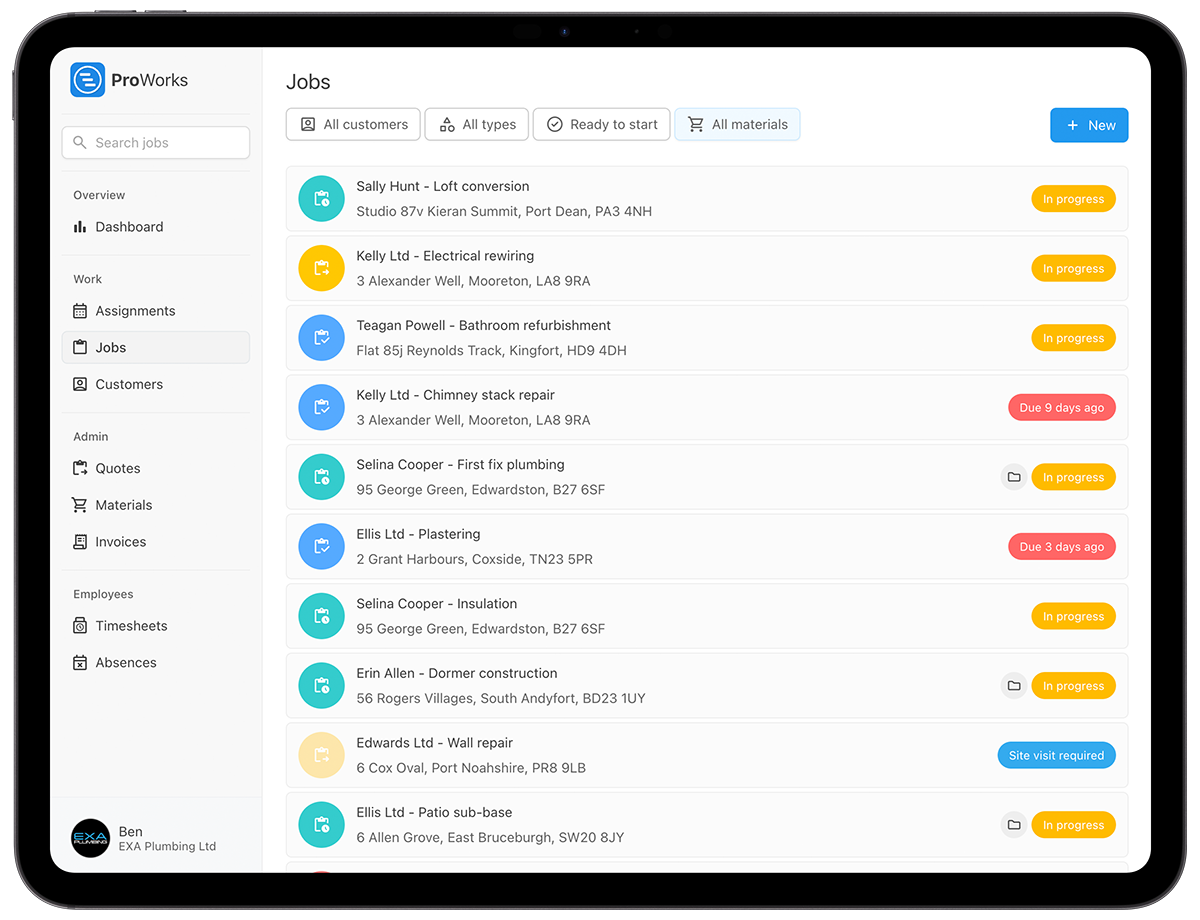
Yes. Log hours on day rate work and set a fixed or quoted price for installations and servicing visits. ProWorks handles both, so you charge each job the way it was agreed.
Offices, schools, landlords and facilities managers with multiple sites - invoice each visit as it's completed, with the job's time and materials pulled in. Invoice statuses show what's outstanding and what's overdue, so nothing gets forgotten.
Customers see their service schedules in their own portal, accept or decline quotes and download invoice PDFs. You can see when they've opened what you sent, so you know where you stand.
See how ProWorks helps fire safety businesses overcome common admin problems
Quote installations quickly from your saved rates and turn every completed visit into a professional invoice in minutes, not hours.
Learn more →Plan inspection rounds and installations in one diary. Never double-book a technician or miss a booked visit again.
Learn more →Track detectors, extinguishers, batteries and fittings against each job and apply your markup - so you know the profit on every one.
Learn more →
"I switched to ProWorks after trying Tradify and immediately found it far more user-friendly for me and my growing team. Scheduling work for employees and subcontractors is now much simpler, and the ability to sync with subbies without sharing sensitive information works brilliantly. I'd fully recommend ProWorks to any trade business."Spencer Lane
No setup fees. No contracts. Cancel anytime.
£15-£25/month for each additional technician, apprentice or admin staff
Straight answers for UK fire alarm, extinguisher and emergency lighting businesses weighing up job management software.
Yes. Register each panel, extinguisher and emergency lighting circuit as an asset against the property. Then put a schedule on the site for each service type, each with its own interval in months. ProWorks shows what is due, upcoming and overdue across every site. You send the reminder from that list and ProWorks emails the customer, who accepts it in the portal.
Upload the certificate against the service record with the photos and the pass or fail result. It stays linked to the customer, the property and the panel it covered, so you find last year's certificate in seconds when an insurer or a fire risk assessor asks for it.
Each visit is its own job, so the invoice comes off it in one click with the technician's hours and materials already on it and the customer's order number for the site. They pick every invoice up from the same portal, and you see when each was opened. The Overdue status flags anything that has run past its date.
Photograph the label. With AI enabled, ProWorks reads the manufacturer, model and serial off the data plate and fills the asset in, so a site walk-round registers the kit as you go. Each asset then carries its own service history.
Yes. A Standard user (£15 a month) sees their jobs, works their assignments, logs time and requests leave, and nothing more. Each job shows the site address, so you can drag visits around the diary to group a technician's day by area.
Every extinguisher, panel and emergency light on a site, each with a date against it and a reminder you can send in one click. Try it free for 30 days - no credit card required.