Quote Builder
Create detailed quotes with your saved rates. Send professional estimates in minutes.
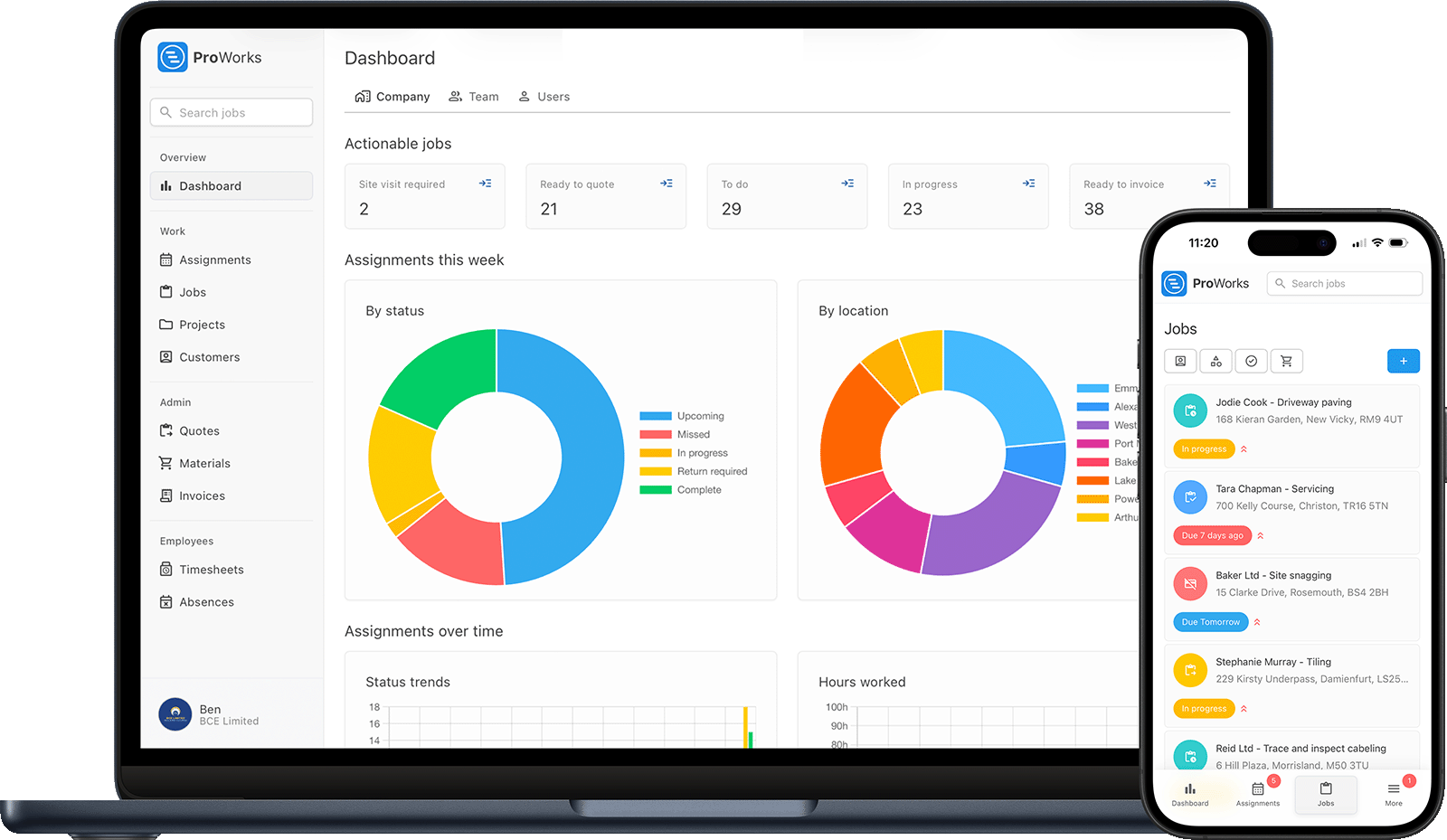
ProWorks handles the full lifecycle of every job - from the first enquiry to getting paid. Here's how it works:
When a customer calls or messages, add a new job in under a minute. Enter the customer details, job address, description and any notes. ProWorks saves customer information so returning clients are even faster.
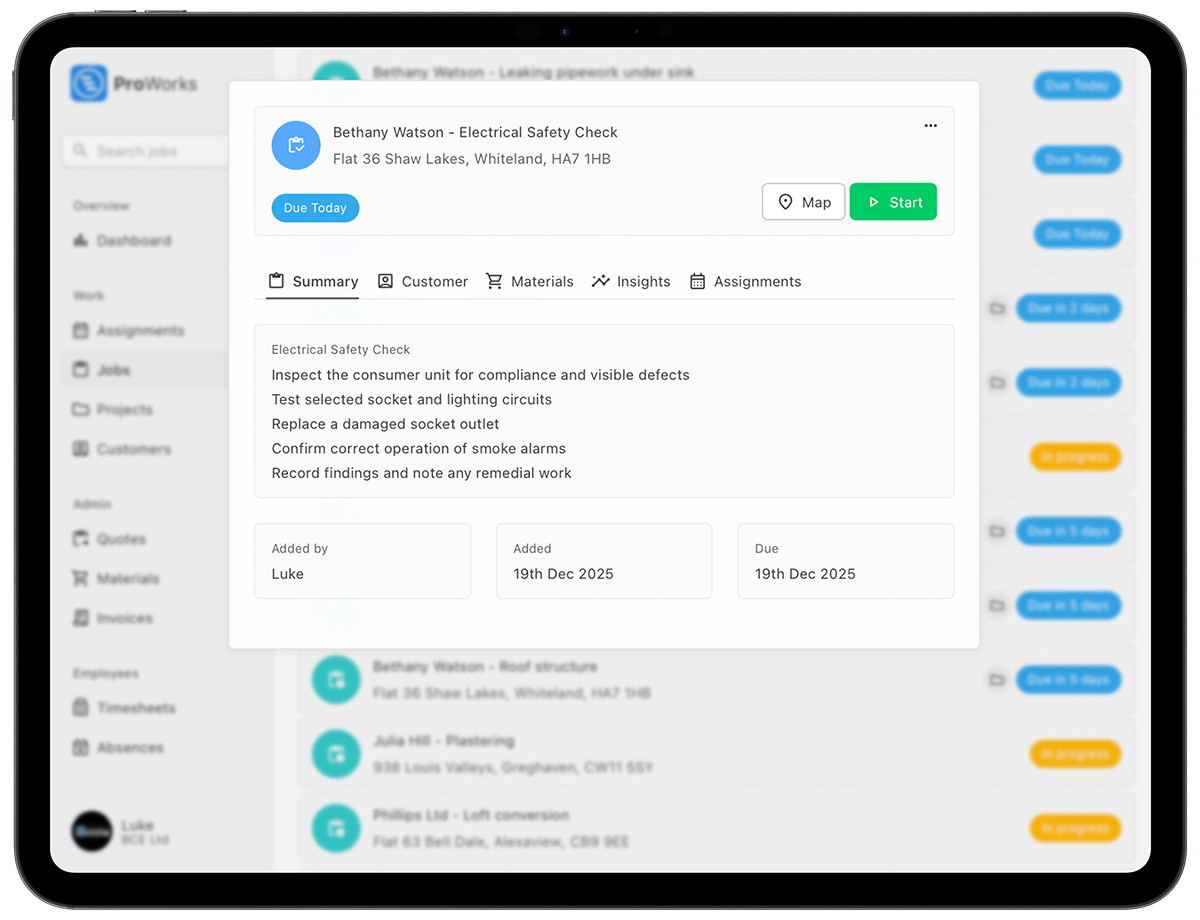
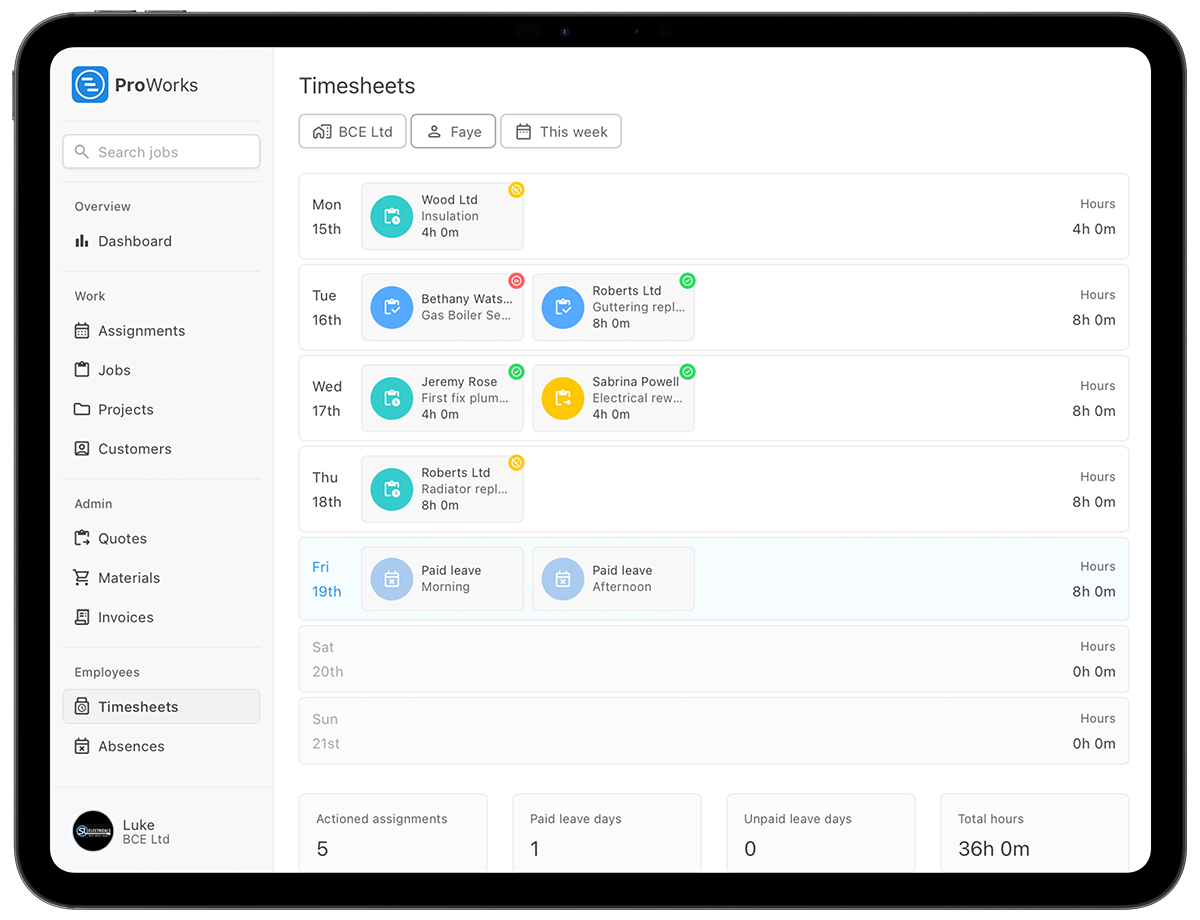
Assign jobs to yourself or your team members. See everyone's schedule at a glance and avoid double-bookings. Plan your week efficiently and optimise your routes.
Log hours as you work - perfect for day rate jobs. Add materials used on site so nothing gets forgotten. Know your true costs on every job in real-time.
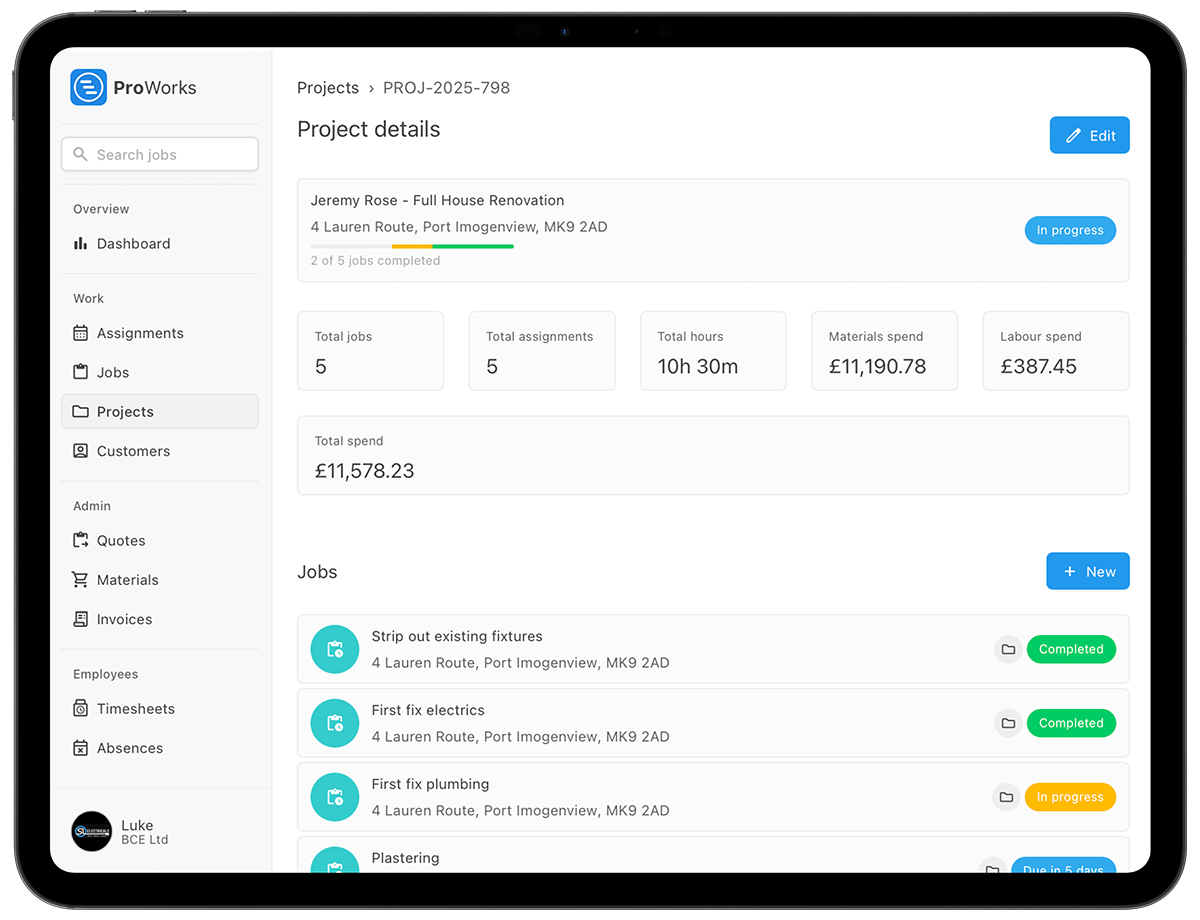

When the job's done, generate an invoice with one click. All your time and materials are calculated automatically. Send it to customers via the portal and track when they view it.
ProWorks includes everything you need to run your trade business efficiently
Create detailed quotes with your saved rates. Send professional estimates in minutes.
Give subbies limited access to log their hours. They see only what they need.
Send quotes and invoices to customers online. They can view, accept and download directly.
Use AI to enhance jobs descriptions and scan materials invoices automatically.
Most tradespeople are up and running within minutes. Here's what happens when you sign up:
Create your account in under 2 minutes. No credit card required for your 30-day free trial.
Add your company details, day rates and any team members. Import existing customers if you have them.
Create your first job and experience how much easier admin can be. We're here if you need any help.
Learn how ProWorks works specifically for your type of business
Manage electrical jobs, track certificates and invoice day rate work.
Learn more →Schedule callouts, quote bathroom fits and manage service renewals.
Learn more →Track project costs, manage subbies and monitor margins in real-time.
Learn more →Manage boiler services, CP12 reminders and heating installations.
Learn more →Reactive repairs, planned maintenance and multi-property coordination.
Learn more →Quote bespoke work, track materials costs and manage installations.
Learn more →Join UK electricians, plumbers, builders and contractors using ProWorks to cut admin time and boost productivity. Try it free for 30 days - no credit card required.