Making Tax Digital for Tradespeople

Making Tax Digital for Income Tax is arriving for sole traders. You don't need to panic or change your accountant - you need your income and cost records kept digital as you work. That's what ProWorks does.

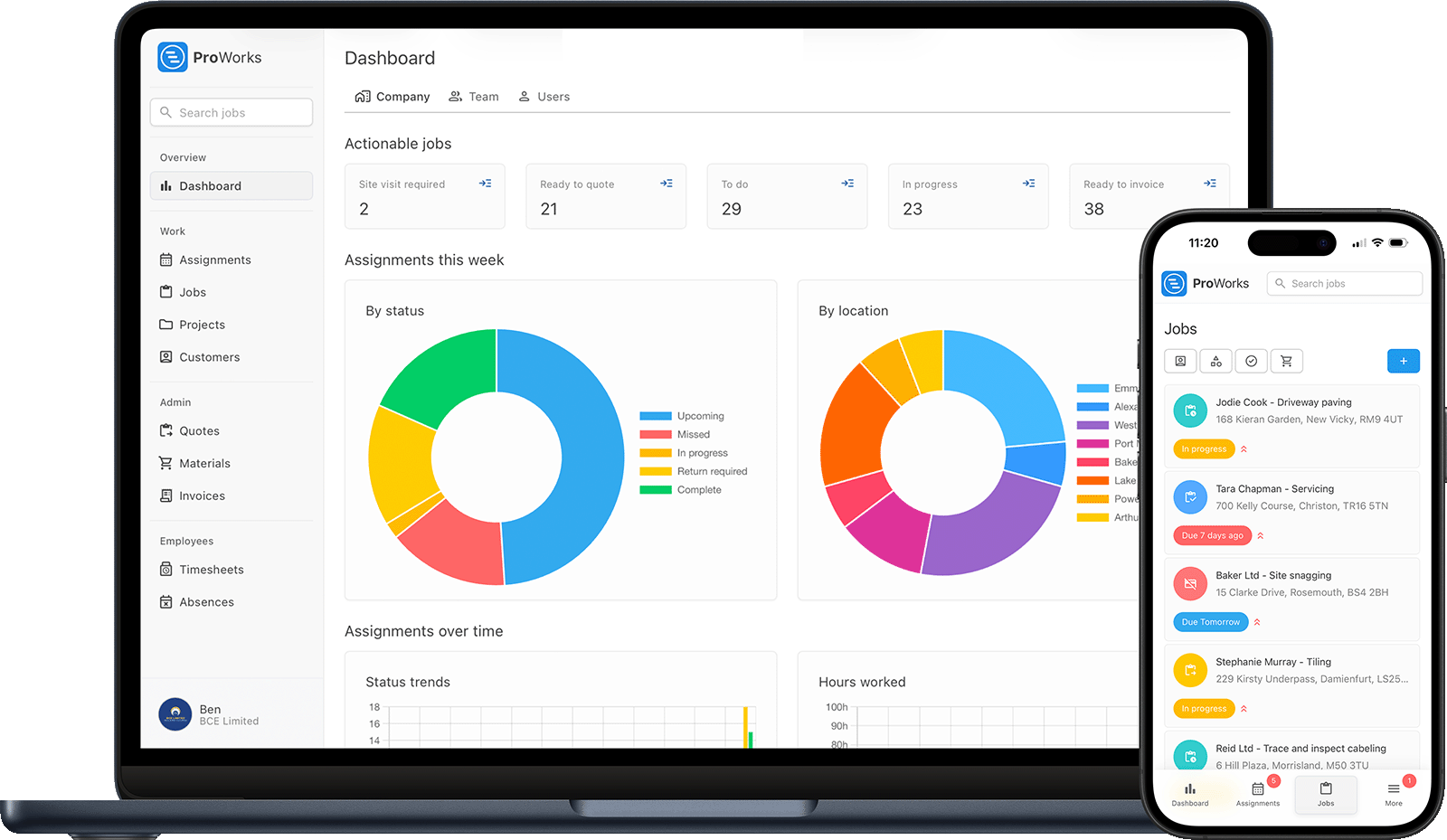
ProWorks keeping trade income and cost records digital on laptop and mobile

What Making Tax Digital for Income Tax Is

A plain-English guide for sole trader tradespeople - what's changing, when, and what it actually asks of you.

Making Tax Digital (MTD) for Income Tax changes how sole traders keep records and report to HMRC. Instead of one Self Assessment return a year, you keep your income and expenses as digital records and send HMRC a summary every quarter through compatible software, then confirm everything with a final declaration after the tax year ends.

It's being introduced in stages, based on your qualifying income - that's your gross self-employment and property income before you take off any expenses. HMRC works out which stage you're in from the figures on your submitted Self Assessment returns.
  1. 2026

    Over £50,000

    In from April 2026 Live now

  2. 2027

    Over £30,000

    You join from April 2027

  3. 2028

    Over £20,000

    You join from April 2028

Thresholds are qualifying income - gross self-employment and property income before expenses. The April 2026 stage is already in effect this tax year. Thresholds and dates can change - check GOV.UK for the current position.

Does This Affect Me?

MTD for Income Tax is for sole traders and landlords. Here's how to tell where you stand.

Sole traders, not companies

MTD for Income Tax applies to sole traders and landlords. If you run your business through a limited company you pay Corporation Tax instead, so this particular change doesn't apply to you - though the same digital record-keeping habits still help.

It's about your income level

Whether you're in depends on your qualifying income - gross self-employment and property income before expenses. Over £50,000 you're in now; the threshold drops to £30,000, then £20,000, over the following two years.

CIS traders count too

Working under the Construction Industry Scheme doesn't exempt you. Your CIS income still counts towards qualifying income, so if you're over the threshold, MTD applies the same as any other sole trader.

The Three Things MTD Asks of You

Once you're in, MTD for Income Tax comes down to three requirements.

1

Keep digital records

Record your business income and expenses digitally as you go, rather than totting up paper receipts once a year.

2

Send quarterly updates

Send HMRC a summary of your income and expenses every quarter. This is submitted through MTD-compatible software, not by ProWorks.

3

Make a final declaration

After the tax year ends, confirm your figures and finalise your tax position - the replacement for the old year-end Self Assessment return.

How ProWorks Helps You Get Ready

MTD is about digital records of income and costs. ProWorks already captures both, at the moment the work happens - so your records are ready to hand to your accountant or accounting software.

Invoices are your digital income records

Every invoice you raise in ProWorks is a digital record of income, with labour, materials and VAT itemised - the income side of MTD, captured as you bill.

Materials and labour are your expense records

Log materials, labour hours and subcontractor costs against each job - and scan supplier invoices with AI. That's the expense side of MTD, captured as the work happens.

CSV export to your accountant or software

Export your income records as CSV to hand straight to your accountant, or import into MTD-compatible accounting software. In ProWorks you can record whether you use Xero, QuickBooks or Sage.

UTR, VAT and CIS on file

Store your UTR, VAT registration and CIS status once in your tax settings, so the details HMRC and your accountant need are recorded in one place.

CIS reverse-charge VAT handled

ProWorks applies CIS reverse-charge VAT correctly on invoices, so construction income is recorded the right way rather than being untangled at year end.

Organised, not a shoebox of receipts

Because you record income and costs as you work, when a quarterly update is due your figures are already digital and organised - no scramble through receipts and bank statements.

ProWorks works alongside your accountant and your MTD-compatible accounting software. It keeps the records clean; they handle the submission to HMRC. You can even give your accountant their own accounting login, so they can see your invoices, material costs and timesheets without asking you for an export.

What ProWorks does - and doesn't do

ProWorks keeps your income and cost records digital and export-ready, so you're organised for MTD and easy for your accountant to work with.

ProWorks is not MTD-filing software and is not on HMRC's recognised-software list. It doesn't submit quarterly updates or final declarations to HMRC - your accountant or MTD-compatible software does that.

MTD for Tradespeople: Common Questions

Is ProWorks MTD software?

No. ProWorks is job management software that keeps your income and cost records digital at the moment the work happens - invoices, materials, labour and subcontractor costs. It is not MTD-filing software and does not submit anything to HMRC. When it is time to send your quarterly updates and final declaration, that is done by your accountant or by MTD-compatible accounting software such as Xero, QuickBooks or Sage. ProWorks keeps the underlying records clean and export-ready so that step is straightforward.

When does Making Tax Digital for Income Tax affect me?

It is phased in by qualifying income - your gross self-employment and property income before expenses. If that is over £50,000 you are in from April 2026, which is live now. Over £30,000 you join from April 2027, and over £20,000 from April 2028. HMRC works out your qualifying income from your submitted Self Assessment returns. Always check GOV.UK for the current thresholds and dates, as they can change.

I work under CIS - does MTD for Income Tax apply to me?

Yes, if you are a sole trader whose qualifying income is over the threshold for the current phase. Working under the Construction Industry Scheme does not exempt you - your CIS income still counts towards qualifying income. ProWorks already records your CIS status and handles CIS reverse-charge VAT on invoices, so those figures are captured as you work rather than reconstructed at year end.

Do I still need an accountant if I use ProWorks?

ProWorks does not replace your accountant or your accounting software - it feeds them. It keeps your day-to-day income and cost records digital and organised so your accountant, or your MTD-compatible software, has clean data to work from when they prepare and submit your quarterly updates and final declaration. Most tradespeople keep their accountant and use ProWorks to make sure the records reaching them are accurate and complete. If your accountant wants direct access, you can give them their own accounting login to see your invoices, material costs and timesheets in ProWorks.

How does ProWorks help me get ready for MTD?

MTD for Income Tax is built on keeping digital records of your income and expenses. ProWorks captures both as you work: invoices are your digital income records, and materials, labour and subcontractor costs are your expense records. It stores your UTR, VAT registration and CIS status, handles CIS reverse-charge VAT, and exports your income records as CSV to hand to your accountant or import into your accounting software. So when a quarterly update is due, your records are already digital and organised rather than a shoebox of receipts.

Keep the Records That MTD Runs On

The parts of ProWorks that keep your income and costs digital

More guides for tradespeople: record-keeping for sole traders and CIS reverse charge VAT explained.

Get MTD-Ready the Easy Way

Keep your income and cost records digital from the first job - so when Making Tax Digital lands, you're already organised. Try ProWorks free for 30 days, no credit card required.

This page is general information, not tax advice - check with your accountant or HMRC about your own situation. Correct as of July 2026; MTD thresholds and dates can change, so always confirm the current rules on the GOV.UK Making Tax Digital for Income Tax page.