Fixed Price or Day Rate Quotes
Price skimming and rendering as a fixed price or by the day, from your saved rates. Track your plaster, beads and scrim against the job. Labour, markup and VAT add up on their own.
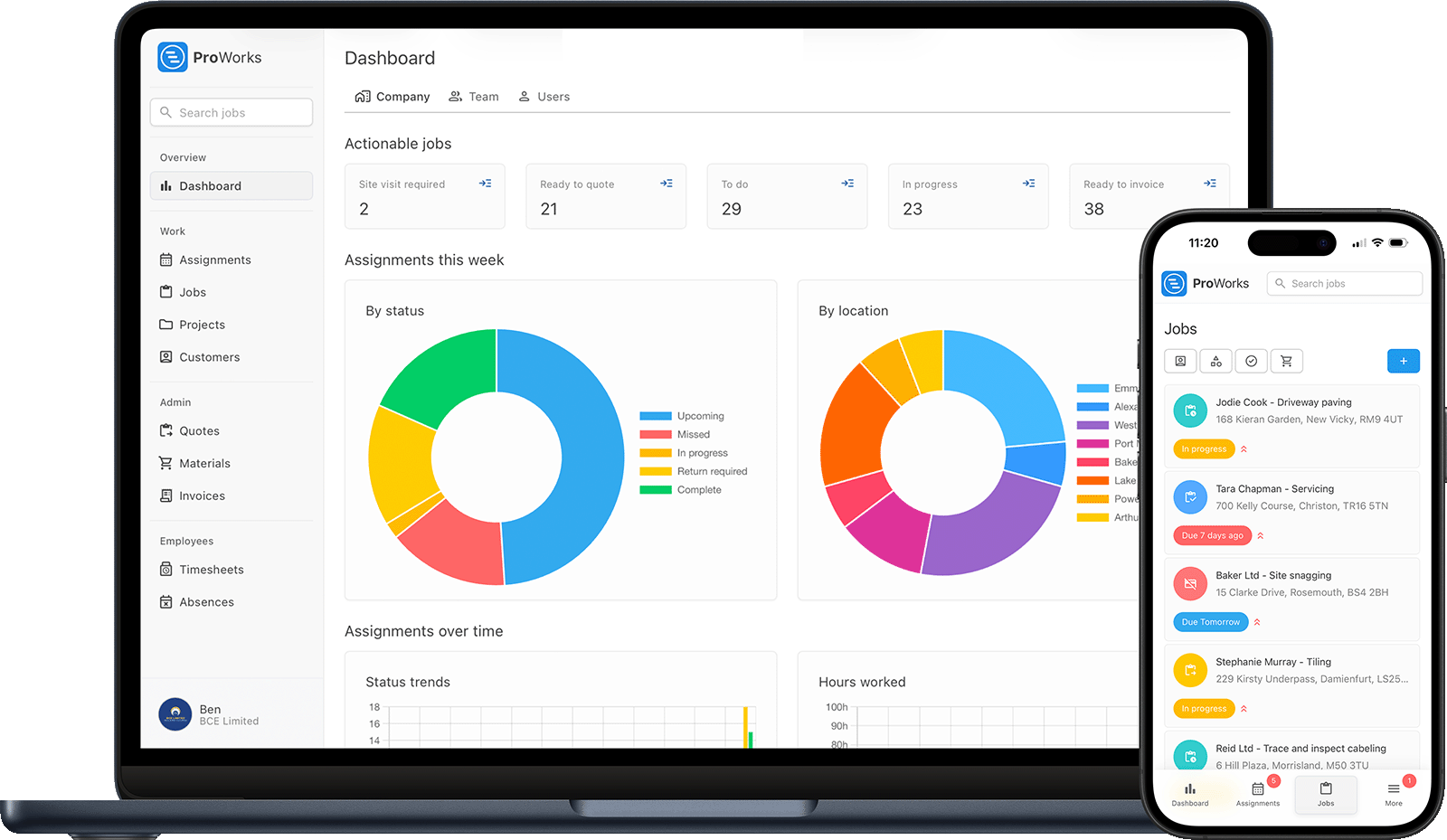
Every plasterer and rendering firm hits these problems. ProWorks sorts them all.
Working out a price from scratch for every skim and render wastes time and leads to inconsistent quotes. Build plastering quotes from your saved rates, and let ProWorks work out the labour, markup and VAT for you.
Send every invoice through the customer portal and see when the builder has opened it. No more scrolling through messages to work out who still owes you for last month's rendering.
Plaster, beads, scrim, render, sand and cement add up fast. Record what each job used, upload the supplier invoice and apply your markup so you know the real cost before you invoice.
A skim needs time to dry before the next coat or the decorator moves in. Lay your week out on a visual diary so you can slot the next job into the gap and keep your labourers busy.
From a single ceiling skim to a full external render, manage every part of your plastering work
Price skimming and rendering as a fixed price or by the day, from your saved rates. Track your plaster, beads and scrim against the job. Labour, markup and VAT add up on their own.
See your week at a glance, assign jobs to your labourers and check every job's address so you can group work by area and cut your travel. Leave room for coats to dry and avoid double-booking yourself across jobs.
Log the hours you and your labourers put in on each job. On day rate work it tells you what to bill, and on priced work it shows your true labour cost per job.
Turn a finished job into an invoice with your hours, materials and markup already worked out. Send a branded PDF to the builder or homeowner in seconds.
Record the plaster, beads, scrim, render, sand and cement each job used, upload supplier invoices and apply your markup. See your job costs and profit as the work goes on.
Upload before, during and after photos of your work and store site documents and RAMS against the job. Great for your portfolio and for settling any dispute over finish.
Built for UK plasterers and renderers - from a single skim to full external rendering
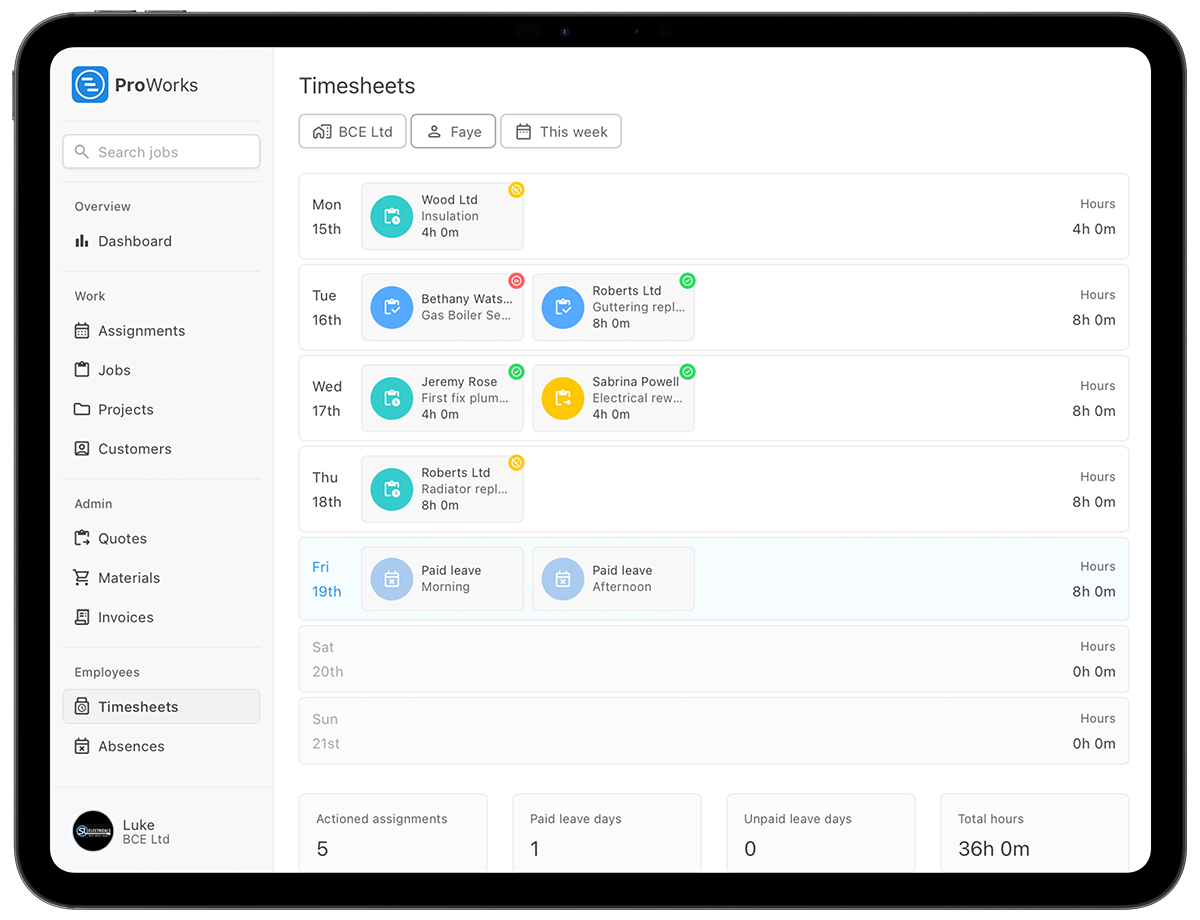
Yes. Charge one job by the day and put a quoted price on the next. Log hours for day rate work while running fixed and quoted prices for full rendering, and see the profit on both.
When you subcontract for a builder, your labourers log their own hours with limited access - their time feeds your labour costs while your rates and prices stay private.
Store before and after photos, guarantees and site documents against the job. Everything stays linked to the right customer and property so you can find it when you need it.
See how ProWorks helps plastering and rendering firms cut down the admin
Stop pricing rooms on the back of a fag packet. Build quotes and invoices from your saved rates in minutes.
Learn more →Lay your week out around drying time and keep back-to-back jobs running without double-booking.
Learn more →Record plaster, beads, scrim and render per job, apply your markup and see your real profit.
Learn more →
"ProWorks keeps us fully up to date with costs against budget as projects progress. With labour and materials automated, it tracks our margins on both quoted and day rate jobs - ongoing and completed - without any extra admin. I'd thoroughly recommend this software to any contractor."Luke Mingo
No setup fees. No contracts. Cancel anytime.
£15-£25/month for each additional plasterer, apprentice or admin staff
Straight answers for UK plasterers and renderers weighing up job management software.
Yes. Mark the invoice as CIS reverse charge and ProWorks applies the reverse charge to the VAT, so the builder accounts for it and the VAT never comes to you. Each invoice shows an Overdue status, so you can see which builders are stretching your terms and who to ring. Your accountant takes the returns from the invoices CSV.
Save it as a fixed price and set up a job from it, with the title, description and price already filled in. Bigger work gets a quote: a time estimate against your saved rate works out the labour, materials go on at cost with your markup, and there is a third figure for anything else. Room sizes go in the notes on the quote.
Once the jobs are invoiced, each invoice shows its profit and markup. The charges stay as you raised them, and the labour and materials costs underneath keep updating as hours and receipts come in. The job's insights show the profit per hour, so you know which rooms and which finishes pay and which do not.
Add them as a Standard user at £15 a month. They see the jobs they are assigned, start and stop their time against them and request leave. Their hours feed your labour cost on the job; your rates, quotes and prices stay yours. If they are their own business, a subcontractor login is £5 a month plus 50p per assigned day.
Yes. Book the second visit a few days after the first and drag it later if the weather slows the drying, and everyone assigned picks the change up. Every job carries its address, so you can fill the gap between coats with something nearby rather than losing the day.
Skim, float and set, priced by the room and billed on the day the last wall is finished. Try it free for 30 days - no credit card required.