Fencing Quotes
Price the digging and erecting from your saved rates, then add posts, panels, gravel boards and gate furniture with your markup applied. Send the branded PDF and see when the customer has opened it.
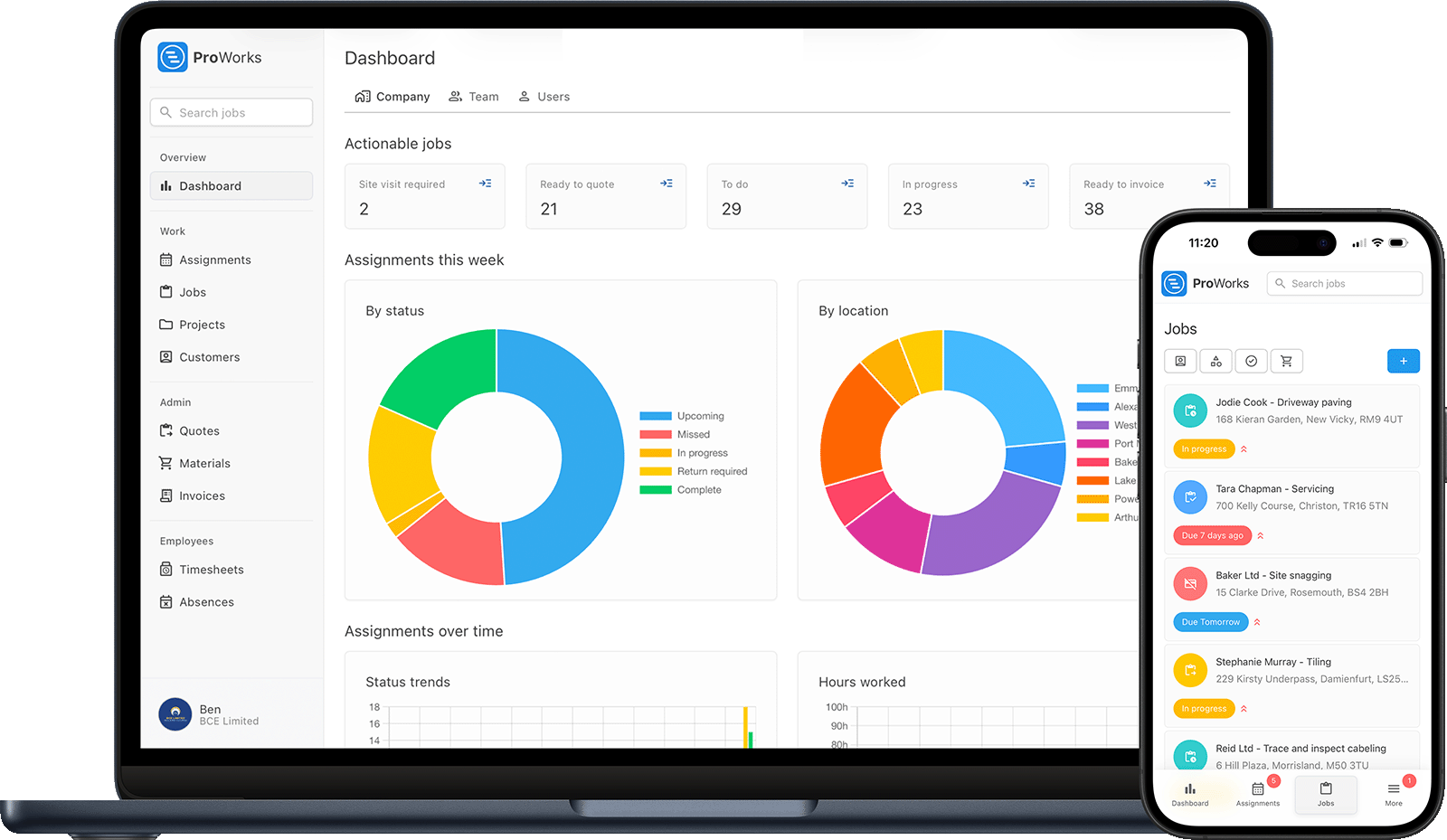
Every fencing contractor faces these challenges. ProWorks solves them all.
You walk the boundary, take your measurements, then spend the evening writing it up. Save your labour rates once and put a professional quote together in minutes, pulling from what you have saved.
A split panel, an extra few bags of postcrete, gate furniture that never made it onto the bill - on priced work it all comes out of your pocket. Record what each run actually used and apply your markup so the numbers hold up.
See which customers still owe you for a finished run or a hung gate, so nothing slips once you have moved on to the next job. No more awkward phone calls or forgotten invoices.
A gate here, a couple of panels there, a repair on the other side of town. See every job's address in the diary and group work by area, so a day's fencing is not a day of driving.
From a single replacement panel to a full agricultural run, manage every part of your fencing work
Price the digging and erecting from your saved rates, then add posts, panels, gravel boards and gate furniture with your markup applied. Send the branded PDF and see when the customer has opened it.
See your week in a visual diary and assign jobs to the team. See every job's address, group nearby jobs together and click through for directions, so the small jobs stack up instead of spreading out.
Panels and postcrete usually go straight to site rather than through your yard. Flag the job as materials ordered, then upload the supplier invoice against the run it went to and let ProWorks read the materials off it.
The same forty metres through clay and tree roots takes twice as long as it does through soft ground. Log the hours against the run so you can see which conditions your fixed prices no longer cover.
After a bad week of wind you can finish six repairs in three days. Raise each invoice straight off the completed job with hours and materials already on it, before the next round of calls buries them.
Upload before, during and after photos to each job for your portfolio and protection if a boundary is ever disputed. Store the fence spec - heights, panel type, gate hardware - against the job and customer.
Built for UK fencing contractors - from a single garden gate to closeboard, panel and post-and-rail runs on domestic, agricultural and commercial work
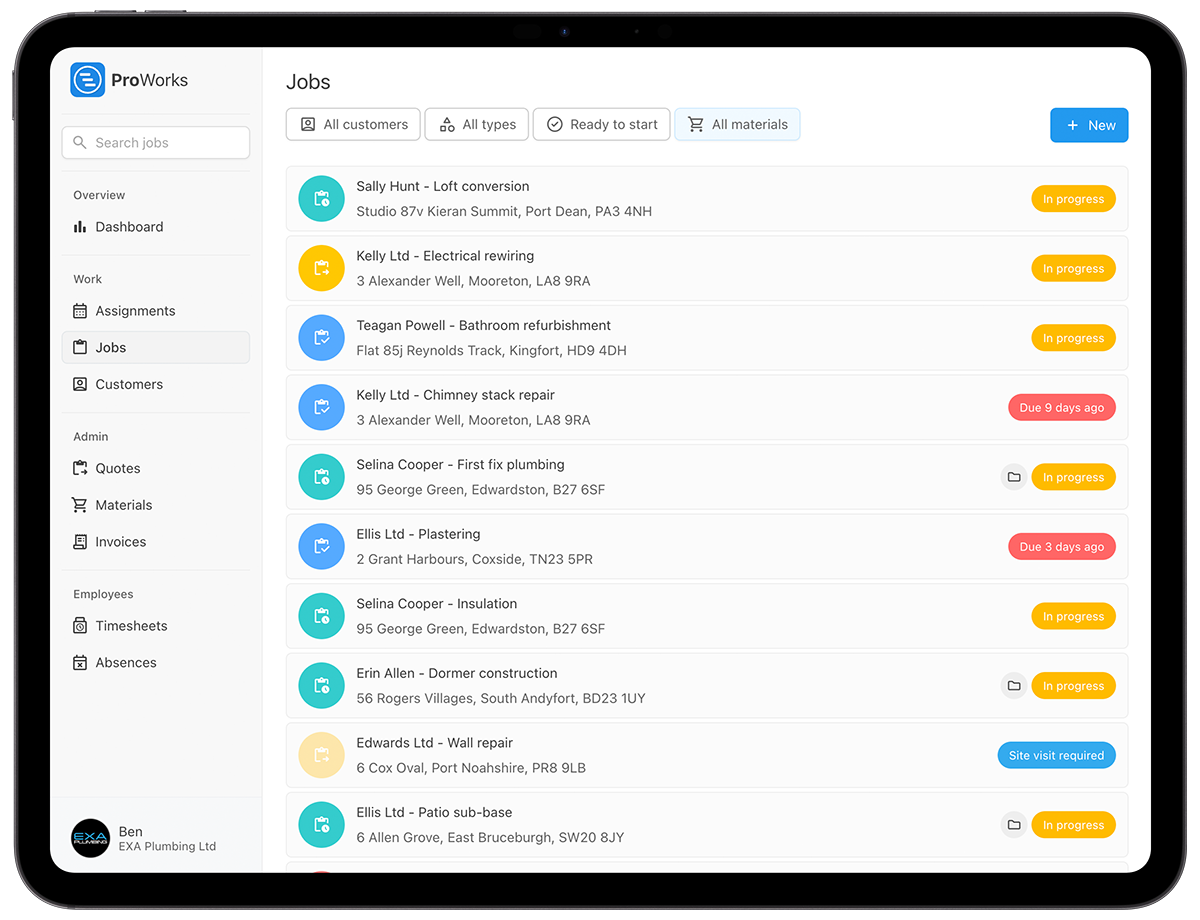
Stock fencing across a field and a six panel garden run are not priced anything alike. Mark each job as day rate, fixed price or quoted when you create it, and the invoice is built the way you agreed it.
On priced work the extra bags of postcrete and the panel that split on the van come out of your margin. Costs land against the job as you record them, so you can see where a run stands before it is finished.
Replacement panels, gates and repairs rarely fill a day on their own. See every job's address, book nearby work onto the same day and click through for directions, so travel time turns back into fencing time.
See how ProWorks helps fencing contractors overcome common admin problems
Walk the boundary, price it off your saved rates and send the quote before you drive away from the property.
Learn more →Group panels, gates and repairs by area and see your week at a glance. Never double-book yourself or forget a job again.
Learn more →Log every delivery against the run it went to, so a job that ate ten more bags than you allowed shows up early.
Learn more →
"ProWorks keeps us fully up to date with costs against budget as projects progress. With labour and materials automated, it tracks our margins on both quoted and day rate jobs - ongoing and completed - without any extra admin. I'd thoroughly recommend this software to any contractor."Luke Mingo
No setup fees. No contracts. Cancel anytime.
£15-£25/month for each additional installer, apprentice or admin staff
Straight answers for UK fencing contractors weighing up job management software.
Price the run from your measurements as you do now and enter the figure, or let ProWorks work the labour out from a time estimate against your saved rate and apply your markup and VAT. The hours and every delivery then land against it, so when clay and tree roots turn a day into two, it shows up as a number you can price the next run from.
Set the job type to call-out. The invoice comes off the job at your saved call-out rate, with its minimum charge applied, and any panels or posts you log against it added at your markup. Bigger repairs can run on a day rate, priced from the hours you log, and full runs as fixed or quoted jobs.
The quote goes to the free customer portal, where they accept or decline it without a phone call. You see when they opened it and get an email the moment they decide, so an accepted run goes straight onto the diary.
Put the instructions on the assignment: which side the neighbour has agreed, where the panels are being delivered, the gate width for the auger. They show on the daily view with the address and directions, and each person's hours log against that run.
Log each delivery against the job with the supplier, cost and your marked-up charge, or upload the supplier invoice and, with AI enabled, ProWorks reads it and fills the materials in. The job shows live cost against the price, so a split panel shows up on the run where it happened.
UK fencing contractors use ProWorks to price runs and gates on site, keep deliveries tied to the right job, and clear a storm week of invoices. Try it free for 30 days - no credit card required.