Job Management Software For Driveway Installers

Quote block paving, resin and tarmac from your saved rates, watch costs against the quote as the job runs, and invoice the day you finish. ProWorks helps UK driveway and paving installers quote, schedule and invoice from one place.

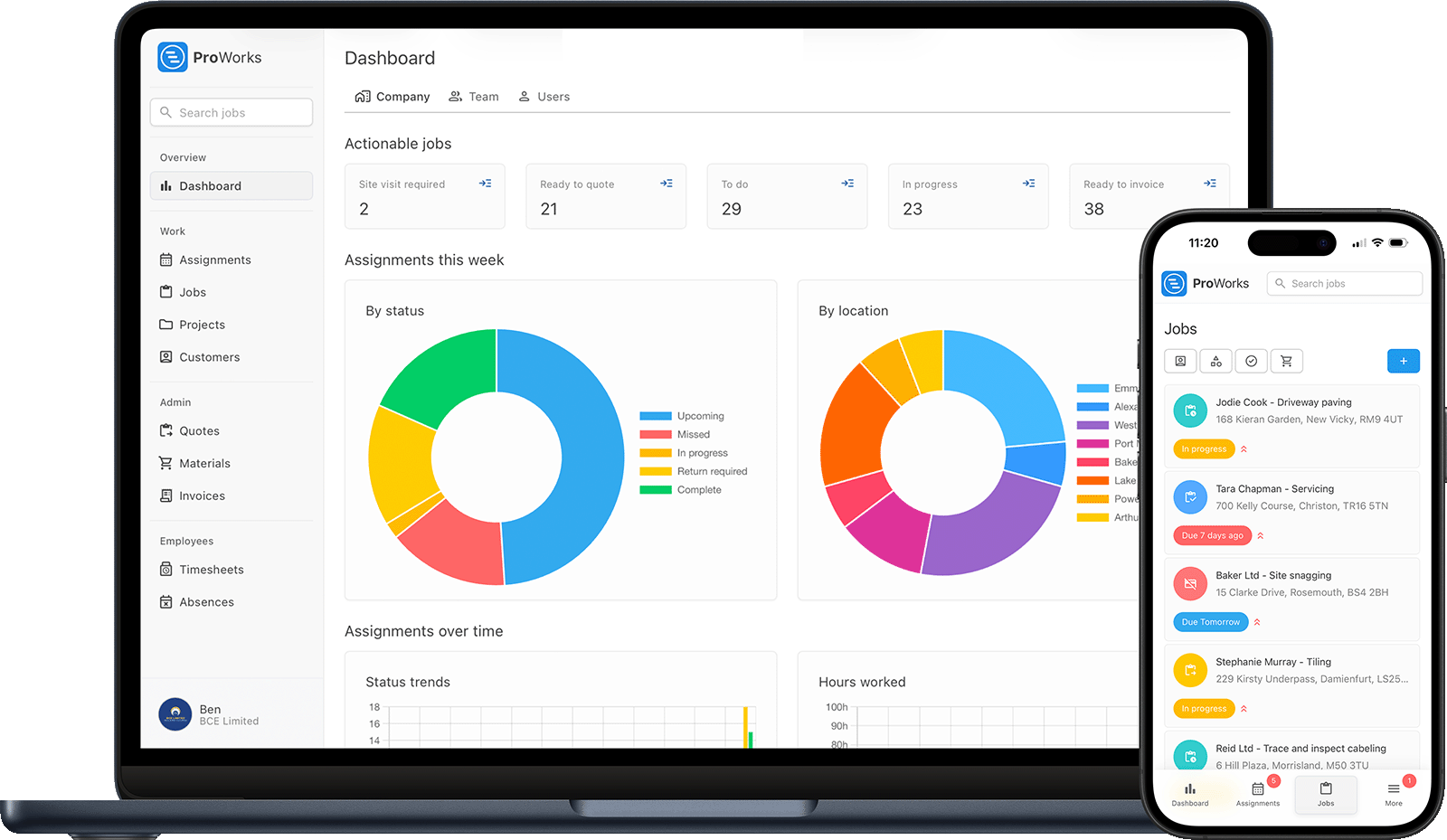
Driveway installer using ProWorks job management software on laptop and mobile

Common Admin Problems for Driveway & Paving Installers

Every driveway and paving installer faces these challenges. ProWorks solves them all.

Costs creeping past a fixed quote

Extra sub-base, more blocks than planned, plant hire and an extra labour day all mount up against a fixed price. ProWorks shows what the job has cost against the price you quoted, so you spot an overspend on day two, not when the drive is finished.

Writing up quotes in the evenings

You look at three drives in a day, then spend the evening writing them up. Save your rates and your material markup once, then put a branded quote together from a time estimate in minutes.

No proof of what went in the ground

Once the blocks are down, nobody can see the excavation, membrane or sub-base. Upload before, during and after photos to the job so you have proof of the build-up if a customer disputes the work - and a portfolio to win the next one.

Juggling multi-day jobs and a small team

A driveway ties up you and the team for days, and the next customer wants a start date. See your week at a glance, book jobs in without double-booking, and keep any subbied groundwork in the same diary.

Essential Features for Driveway Job Management

From a resin path to a full block paving drive with new edging and drainage, manage every part of your paving work

Driveway Quotes

Most of what a drive costs is excavation, muck-away and sub-base before a single block is laid. Price the labour off a time estimate against your saved rate, add plant and materials at cost with your markup, and send it as a branded PDF.

Job Scheduling

Block out multi-day jobs in a visual diary and assign them to the team. Give the next customer a firm start date without double-booking yourself or whoever is laying the blocks.

Materials & Plant Costs

Grab lorries, digger hire and tip tickets can cost more on a drive than the blocks do. Upload each invoice against the job and let ProWorks read the materials off it, so the cost is visible while the dig is still open.

Timesheets

Log hours per job for you and the team. On a quoted drive, labour days are the cost that runs away first - see them add up against the quote while there is still time to do something about it.

Invoices in One Click

Send the invoice on the day you brush the kiln dried sand in, with hours, plant and materials already on it. If you go back to seal it in the spring, that is a second job you can put on the same bill.

Before & After Photos

Upload photos of the excavation, sub-base and finished drive to each job. Proof of the build-up if there is ever a dispute, and a portfolio of finished block paving, resin and patios to show the next customer.
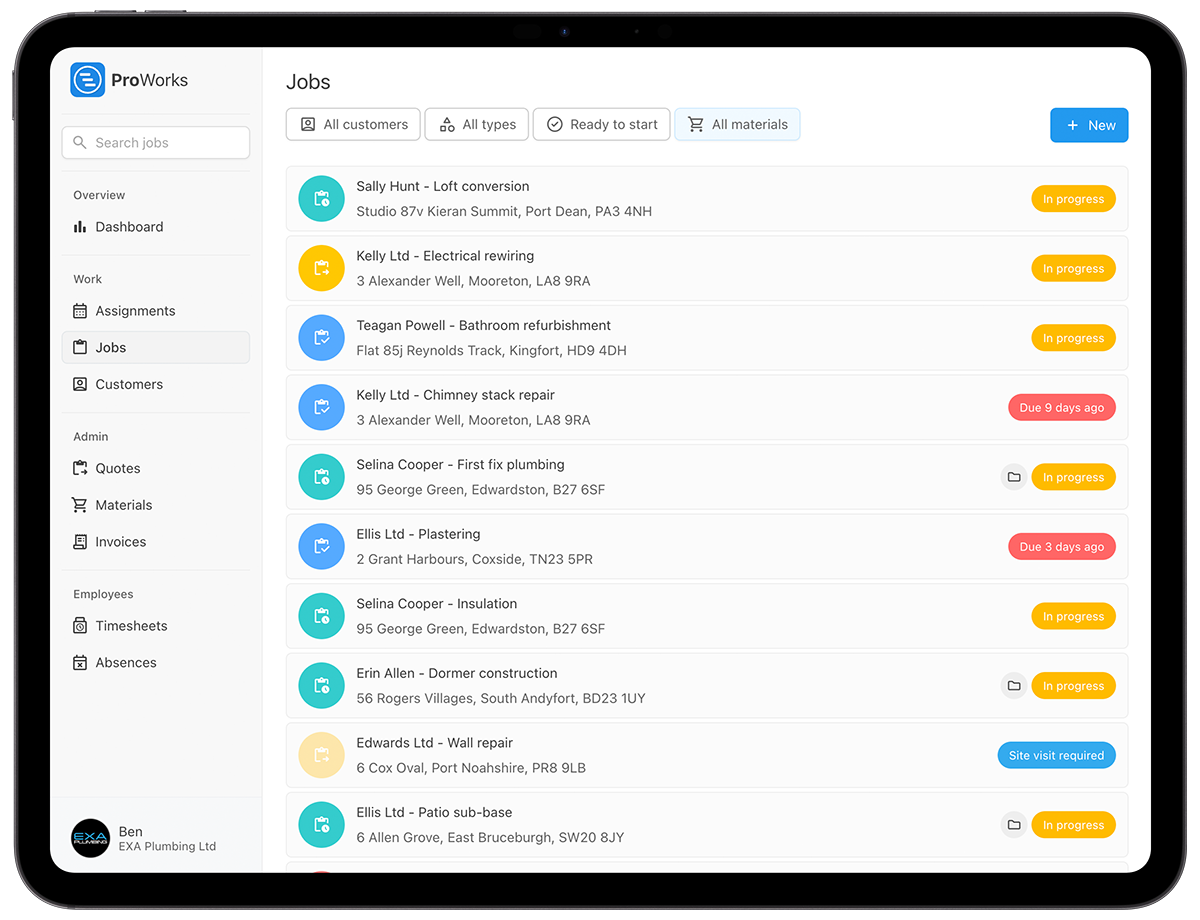
How Driveway Installers Use ProWorks Job Management Software

Built for UK driveway and paving companies - from a resin path to a full block paving drive with a small team on site all week

Driveway job costs tracked against the quote in ProWorks

New Drives and Relaying Repairs

A new drive is quoted from a site visit. A sunken section lifted and relaid is a day on the tools. Set the job type when you create it and each is billed from the agreed price or from the hours logged.

See Costs Against the Quote While the Job Runs

Record materials and plant hire as they land on site and let the team log their hours. ProWorks shows the live cost against your quoted figure, so a drive that is going over budget shows up mid-job, not at the end.

Sub Out the Dig and Still See the Cost

Sub out the dig and sub-base? Subcontractors log their own hours with limited access, so their cost lands on the right job without sharing your customer or pricing details. Group a bigger scheme of drives under a project.

Solutions for Driveway Installers' Biggest Business Challenges

See how ProWorks helps driveway and paving installers overcome common admin problems

What UK Trade Businesses Say About ProWorks

Luke Mingo at IMBC construction site
"ProWorks keeps us fully up to date with costs against budget as projects progress. With labour and materials automated, it tracks our margins on both quoted and day rate jobs - ongoing and completed - without any extra admin. I'd thoroughly recommend this software to any contractor."
Luke Mingo
Director at IMBC

Simple Pricing for Driveway Installers

No setup fees. No contracts. Cancel anytime.

Solo Installer

£25 /month
  • Unlimited jobs, quotes & invoices
  • Time tracking & scheduling
  • Materials & cost tracking
  • Job photos & document storage
Start Free Trial

Adding Team Members?

£15-£25/month for each additional installer, labourer or admin staff

See full pricing details →

Questions Driveway Installers Ask About ProWorks

Straight answers for UK driveway and paving installers weighing up job management software.

How do I stop a priced drive eating its own margin?

Price it from your measurements as you do now and enter the figure, or let ProWorks work the labour out from a time estimate against your saved rate and apply your markup and VAT. Every hour and every delivery then lands against that figure while the drive is laid, so an extra day of muck-away shows up on day two rather than at the end.

Once a drive is invoiced, how do I see what it actually made me?

Open the invoice details on the job. The price on the invoice stays put while the costs carry on arriving, so a late skip or aggregate ticket still lands on the drive and takes the profit with it. Your hours and every delivery are there line by line, cost against charge, so you can see whether the drive was won on the laying or lost on the aggregate.

How do I get the aggregate and skip invoices onto the job without retyping them?

Upload each supplier invoice against the job. With AI enabled on your account, ProWorks reads the sub-base, blocks and skip hire off it, applies your markup and adds them to the job's materials, so the charge flows onto the customer's invoice. When your statement comes in, mark each one reconciled so you know which have been checked.

I sub out the dig and sub-base. Does that cost land on the right job?

Yes. Invite the groundworker as a subcontractor company and assign them the job; their days and costs land on your invoice and they never see your customer list. When you are the subcontractor on a bigger scheme, your own invoices carry CIS reverse-charge VAT with the correct wording.

Where does the proof of what went in the ground live?

Against the job. Take photos of the sub-base depth, the membrane and the edging on your phone as you go and they sit against the job, linked to the customer and the property. If a drive sinks in three years, you can show what was under it. Your RAMS and the skip and aggregate invoices sit alongside them.

Start Using Driveway Job Management Software Today

UK driveway and paving contractors use ProWorks to price the dig as well as the surface, keep plant hire and muck-away against the job, and see the margin before they invoice. Try it free for 30 days - no credit card required.