Brickwork Quotes
Build detailed quotes in minutes from your saved rates. Set a fixed price for the plot or work to a day rate, with material markup added automatically.
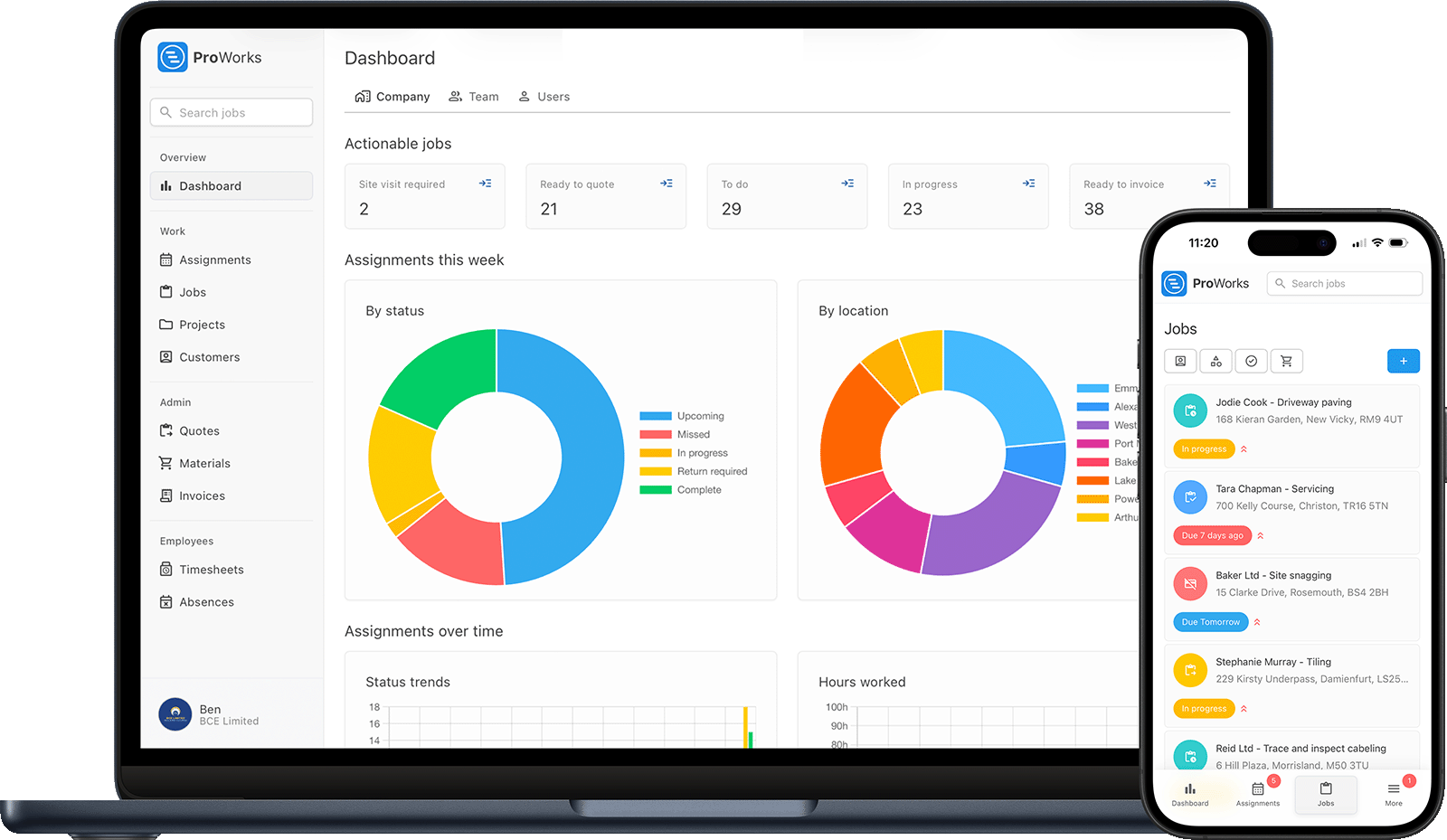
Every bricklaying business runs into these. ProWorks sorts them all.
Whether you price a garden wall as a fixed price or a new build by the day, ProWorks builds the quote from your saved rates so the numbers add up before you lay a course.
When you subcontract for builders and developers, invoices slip. Turn a finished job into a branded invoice, send it through the customer portal and see when it has been opened.
Bricks, blocks, sand, cement and lintels add up fast. Record what each job uses, upload supplier invoices and apply your markup, so a rising delivery price never eats your margin unnoticed.
See who was on which site and for how long, so you know the true labour cost of every wall and every phase, whether the team is on day rate or a price for the job.
From a garden wall to a full new build plot, manage every part of your bricklaying business
Build detailed quotes in minutes from your saved rates. Set a fixed price for the plot or work to a day rate, with material markup added automatically.
See your week on a visual diary. Move the team when the slab is not ready or the weather turns, assign jobs without double-booking anyone, and see every job's address so you can group work by area.
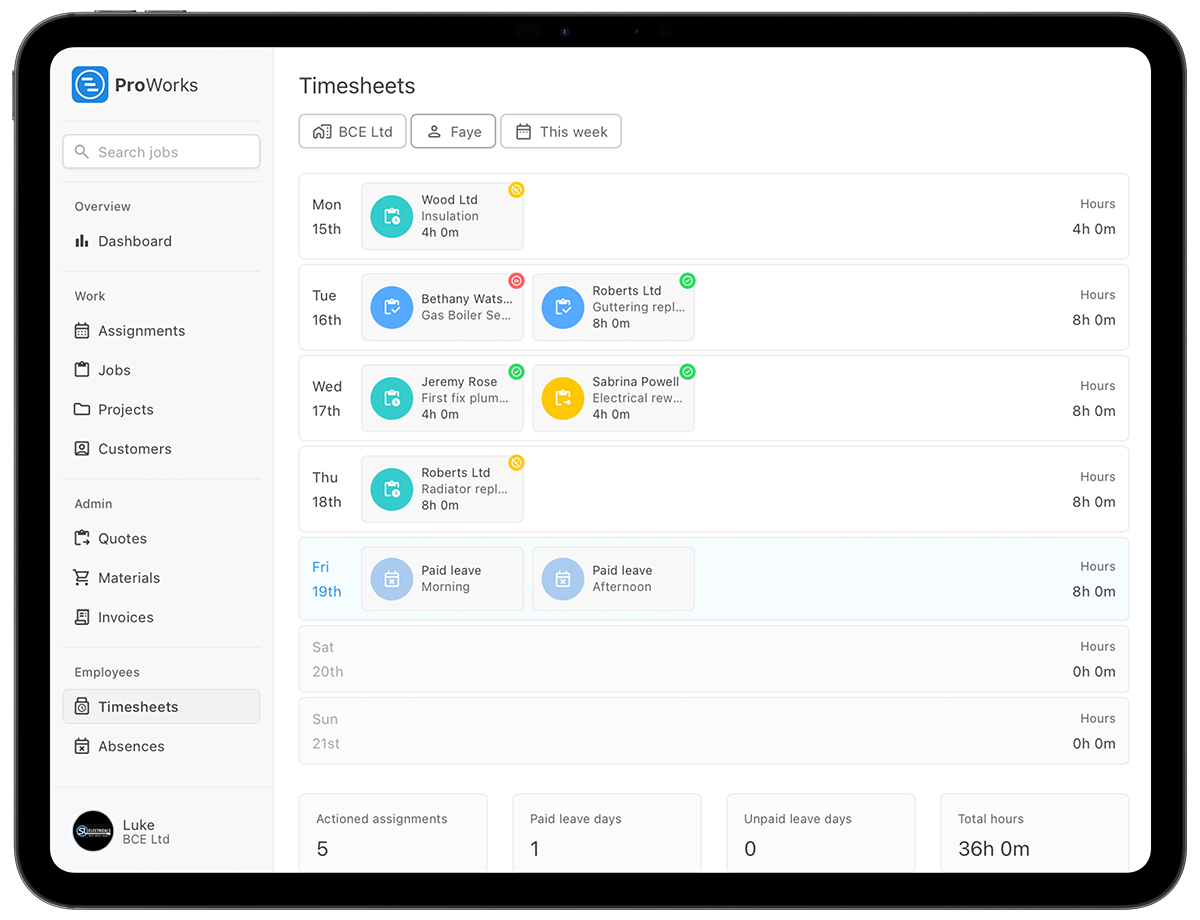
A gang on day rate and a priced extension want different things from a timesheet. Everyone logs against the job they were on, so you know what a wall cost in labour before you price the next one.
Generate invoices from completed jobs with your labour, materials and markup already worked out. Send branded PDFs through the customer portal and see when each invoice has been opened.
Bricks, blocks and sand arrive by the lorry load, sometimes twice in a week. Upload each invoice onto the job so the cost of a site is current, rather than reconstructed from a pile of tickets at the end.
Upload RAMS, site documents and before, during and after photos of your brickwork to the right job. Build a portfolio of your work and keep the evidence if a payment is ever disputed.
Built for UK bricklaying teams, from garden walls and extensions to full new build plots
Yes. Set a fixed price for a wall or extension, or work to a straight day rate. ProWorks tracks time and materials on both so you can see the margin whichever way you priced the job.
When you subcontract for a builder, add your own labourers and subbies to the job. They log their own hours with limited access, and you work with subcontractors without sharing sensitive information.
Group the plots or stages of a development under a project, with every quote, cost, hour and photo kept against it. Everything for a multi-stage build stays in one place instead of spread across notebooks and texts.
See how ProWorks helps bricklaying teams sort common admin problems
Stop pricing walls at the kitchen table. Create professional quotes and invoices in minutes, not hours.
Learn more →See your week at a glance and move the team when the groundworks slip or the weather turns.
Learn more →Track bricks, blocks, sand, cement and lintels against each job and protect your margin.
Learn more →
"ProWorks keeps us fully up to date with costs against budget as projects progress. With labour and materials automated, it tracks our margins on both quoted and day rate jobs - ongoing and completed - without any extra admin. I'd thoroughly recommend this software to any contractor."Luke Mingo
No setup fees. No contracts. Cancel anytime.
£15-£25/month for each additional bricklayer, apprentice or admin staff
Straight answers for UK bricklaying teams weighing up job management software.
Put the wall on as a fixed price, which you save once and pick again for the next one, and run the plot on day rate, priced from the hours the team log. Both sit on the same diary, and each shows what it cost you in labour and materials against what you charged.
Yes. Mark the invoice as reverse charge and it shows the VAT for the builder to account for, with the correct s.55A wording. Your UTR sits in your company settings, and the invoices CSV hands your accountant the figures for the returns.
Every invoice carries a status, including Overdue, and you can see when the builder opened it. Invoices go out with their order number on, so there is no excuse at their end, and the Overdue list tells you who to ring on a Friday.
Upload the supplier invoice against the job and, with AI enabled, ProWorks reads the blocks, sand and cement off it and applies your markup. The job shows live cost against the price, so a rise in block prices shows up on the job it hit rather than at the year end.
Yes. A Standard user at £15 a month sees their jobs, starts and stops time against them and requests leave, with no sight of your prices. Hours land on the job and on the invoice, so you know the labour cost of every wall. The team diary shows approved leave and public holidays, so next week's cover is never a surprise.
Price the brickwork, watch the deliveries land against it, and invoice the stage once it is up. Try it free for 30 days - no credit card required.